DMSE Breakerspace
Printable Quick Guide For trained users. Print on Letter paper at 100%, two-sided, flipping on the long edge.

DMSE Breakerspace · Trained-user reference

Nicolet iS5 FTIR Spectrometer

Routine iD7 ATR: collect a clean background, get good sample contact, save the spectrum, leave the crystal covered.

Thermo Scientific Nicolet iS5 FTIR spectrometer.

1. Before you start

  • Sample is non-hazardous and will not stain, crumble into the instrument, persistently smell, or damage the diamond.
  • Nitrile gloves, Kimwipes, and isopropyl alcohol are at hand.
  • Crystal and plate show no residue, powder, fibers, or droplets from the last user.

2. Prepare a solid sample

  • Choose a clean, dry, non-hazardous solid that can cover the diamond and make direct contact with it.
  • Use the pressure tip appropriate for the sample's shape and texture. Ask staff if the choice is unclear.

Liquids, the volatiles cover, and the transmission and diffuse-reflectance accessories are outside this workflow. Ask staff before attempting them.

3. Start up and collect a background

  • Leave the FTIR powered on. Power it on only if it is off.
  • Log on to the workstation with your MIT Kerberos.
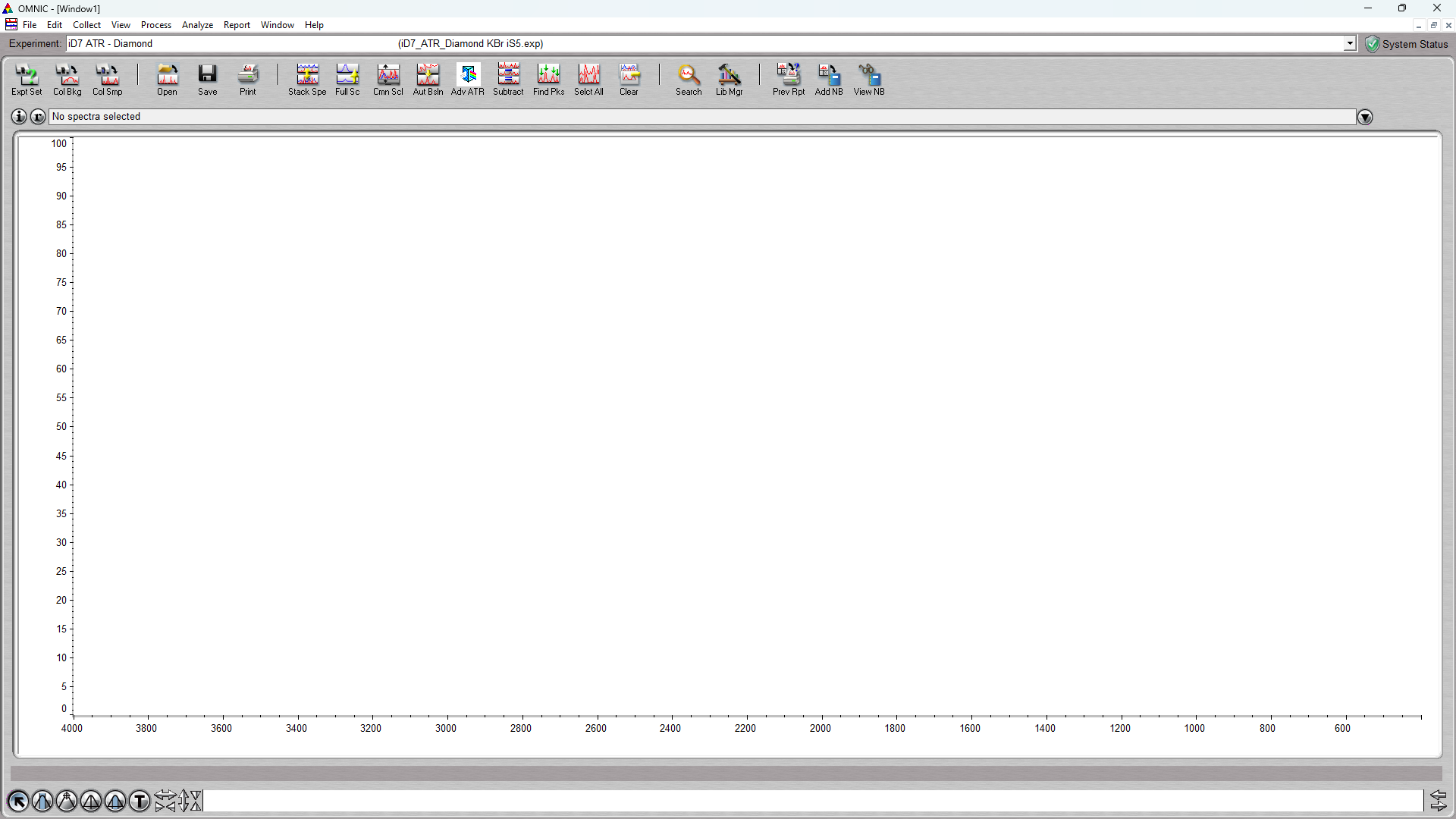
  • Start OMNIC.
  • Verify the instrument connection in system status.
  • Gloves on. Release the pressure tower and remove the protective cover from the ATR crystal plate.
  • Clean the crystal: isopropyl alcohol on a Kimwipe, wipe center outward, dry with a clean portion. Confirm no residue, powder, fibers, or droplets remain.
  • Gloves off before touching the keyboard. Leave the crystal bare with no pressure clamp.
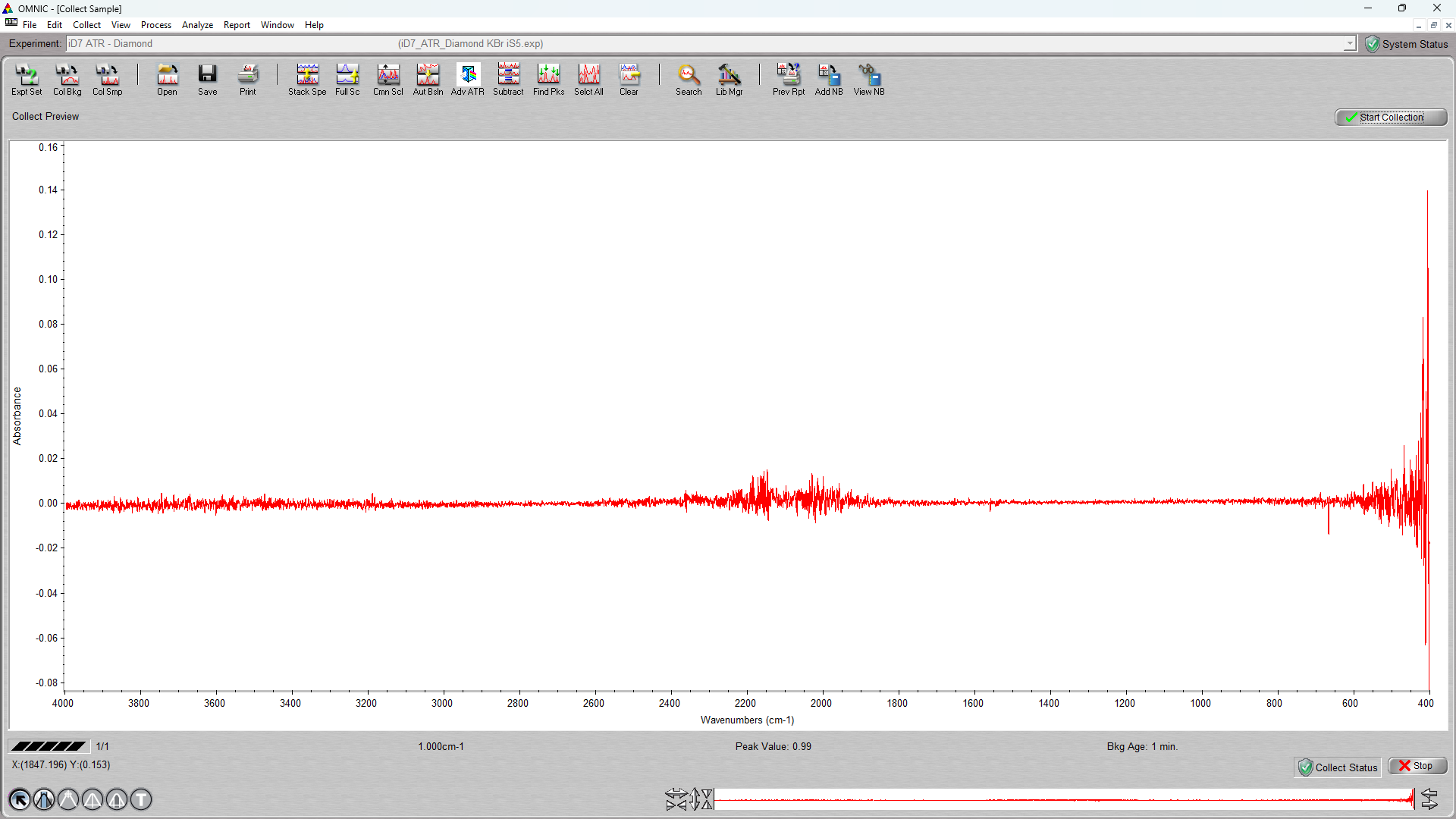
  • Click Collect Background. If Preview data collection is on, a live trace appears — confirm the crystal is still bare and unclamped, then click start collection (upper right) to run the full scan. If preview is off, the full scan runs immediately.
  • Choose whether to add the background to the spectra window. Either way it is used for the sample collections that follow.

4. Load the sample

  • Gloves on.
  • Clean the crystal again if anything has touched it since the background.
  • Place the sample so it covers the diamond and the area being measured can make direct contact with it.
  • Center the pressure tower and tighten until the clutch slips. Do not force it further.
  • Gloves off before returning to the workstation.
Canonical guide: breakerspace.mit.edu/instruments/ftir.html · Owner: lab manager Reviewed 2026-08-06 · Page 1 of 2

DMSE Breakerspace · Nicolet iS5 FTIR Spectrometer

Collect, check, save, and leave

5. Collect

  • Click Collect Sample.
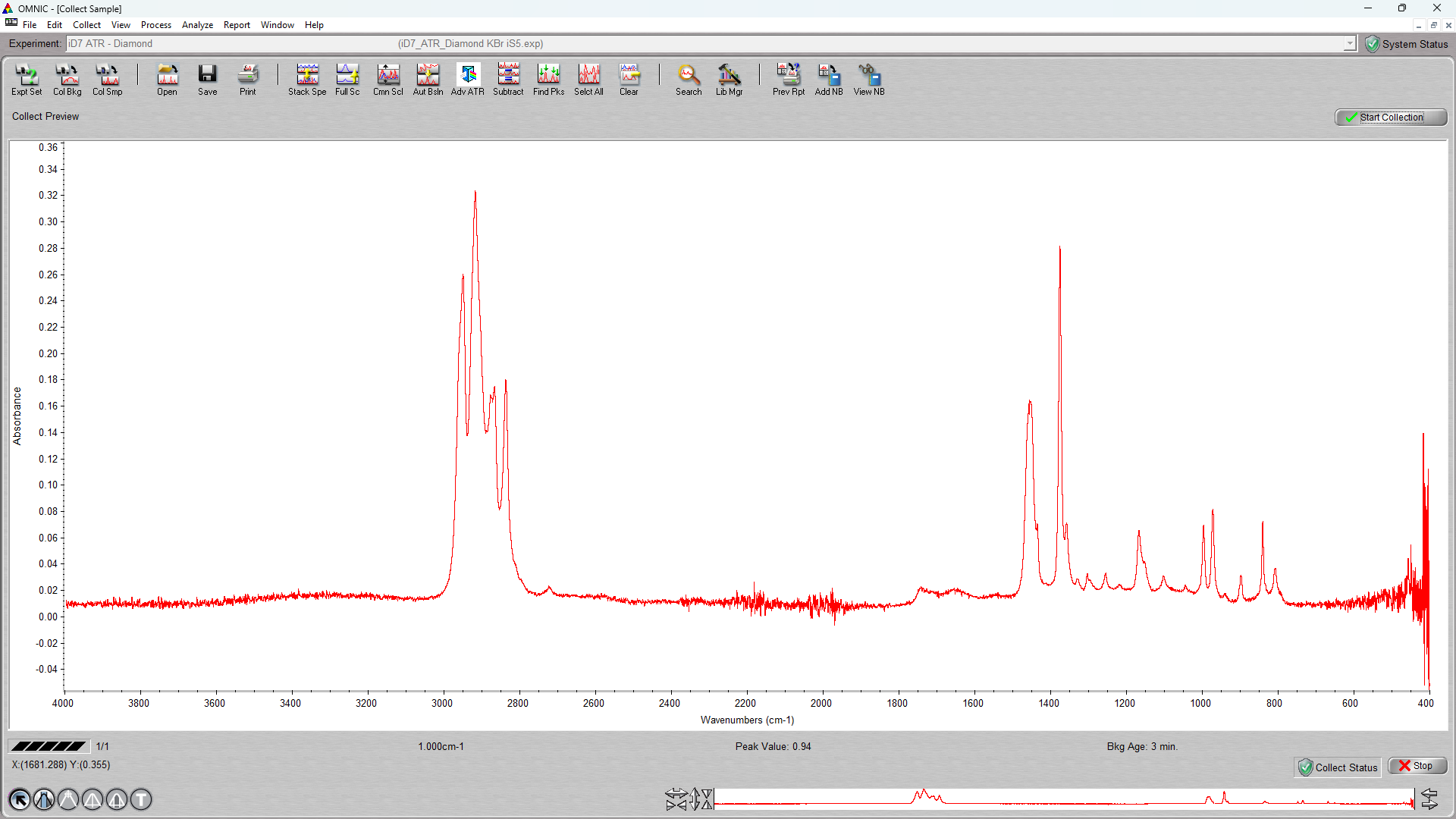
  • If Preview data collection is on, a live spectrum appears. Use it to judge contact before committing: adequate signal strength and no obvious contamination. Satisfied? Click start collection (upper right). Not satisfied? Fix the contact first — see step 6.
  • If preview is off, the full scan runs immediately and step 6 applies to the finished spectrum.
  • Give the spectrum a descriptive name when OMNIC prompts, after the scan completes.

6. Check it before you unload

Decide whether the spectrum is worth keeping while the sample is still on the crystal:

  • Weak signal or poor signal-to-noise — usually poor contact. Gloves on, re-seat the sample, retighten only until the clutch slips again, or switch to a different pressure tip. Do not force the tower past the clutch. Then collect again. If the signal is still weak after re-seating and trying the appropriate tip, stop and ask staff whether the sample is appropriate for ATR.
  • Negative bands — these can indicate that the crystal was not clean when the background was collected. Clean and dry the crystal, redo the background, then collect the sample again. If negative bands remain after a clean background redo, stop and ask staff.
  • Other unexpected features — water, carbon dioxide, solvent, or residue may contribute. Diagnose before acting: if solvent may still be evaporating, wait; if the crystal or sample looks dirty, clean and try again; if the sample is damp or you cannot tell, ask staff. Redo the background only when the evidence points to the background itself. If the unexpected features remain after the appropriate wait or cleaning step, stop and ask staff.

To redo a background: gloves on → unload the sample → release the pressure tower and clamp → clean and dry the crystal → gloves off → run the step 3 background items again, including start collection if preview is on → then reload and collect the sample. A background cannot be collected with the sample in place, and it is not finished until the full scan runs.

Fixing these now is faster than repeating the session later. Working out what the material is comes afterward; see Data Processing on the instrument page.

7. Save

  • Select each spectrum and save it individually. Spectra are not saved as a group.
  • Keep the native OMNIC spectrum file, not only an exported image or report.
  • Copy your data to your own storage. The workstation is not a backup.

8. Another sample, or finish

For another sample: gloves on, unload, clean and dry the crystal, then return to step 4. If the crystal needed more than a routine wipe, collect a fresh background first using the step 3 background items.

9. Shut down

  • Confirm every spectrum you need is saved and copied.
  • Close OMNIC.
  • Log off the workstation.
  • Gloves on. Unload the sample and clean the crystal and surrounding plate.
  • Put the cover on the crystal plate and clamp it in place with the pressure tower.
  • Leave the FTIR powered on. The manufacturer recommends leaving it powered when not in use.
  • Clear the area of samples, wipes, and waste.